


Why does my LED sign have low resolution? Understanding pixel pitch and upgrade options
If your LED sign has a low resolution and can be difficult to read, there are a few possible explanations, and not all of them mean something is wrong with the hardware.
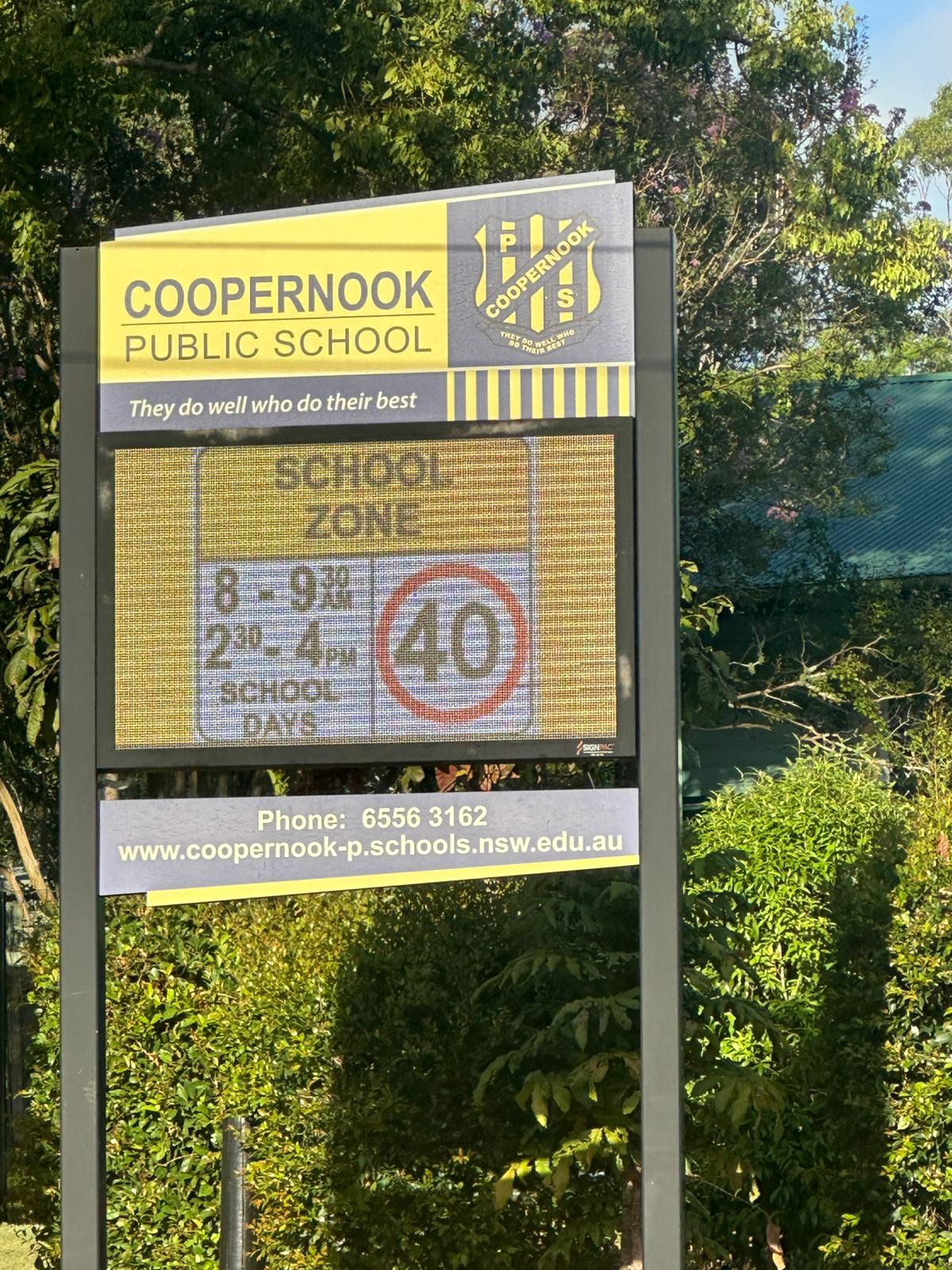
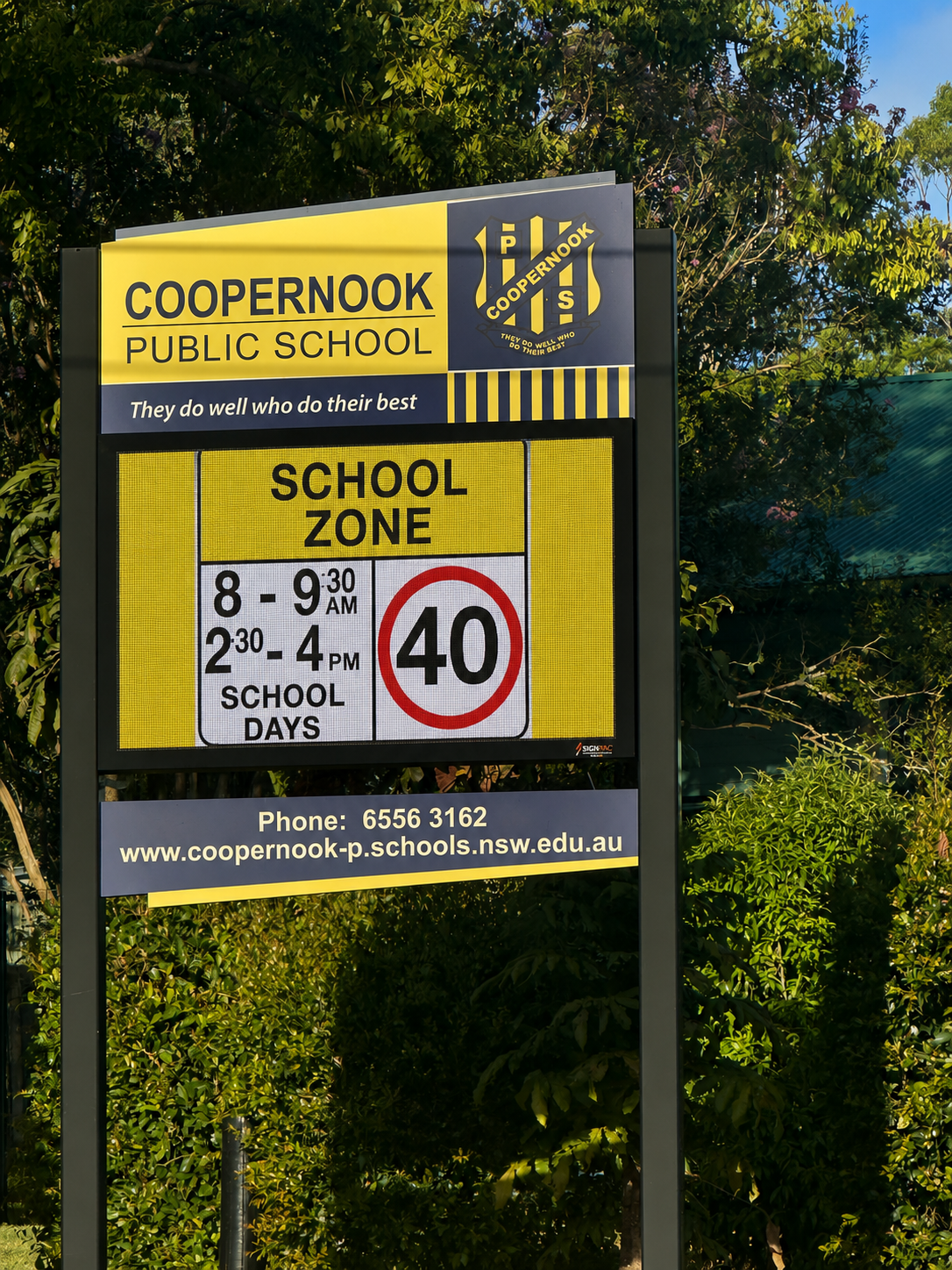
In many cases, low resolution LED signs are simply using older display technology that can no longer deliver the image quality and clarity expected from modern digital signage. While these signs may have performed well when they were first installed, advances in LED technology mean newer displays can produce significantly sharper text and clearer images.
At Signpac, we’ve helped many schools and businesses across Australia upgrade ageing LED displays, particularly when screens are more than five years old and out of warranty or no longer delivering the clarity they need. Often, this can be achieved without replacing the entire sign structure, making it a more cost-effective solution.
In this guide, we’ll explain why some LED signs look sharper than others, how pixel pitch affects image quality and what options are available if you’re considering an upgrade.
Why does my LED sign have a low resolution?
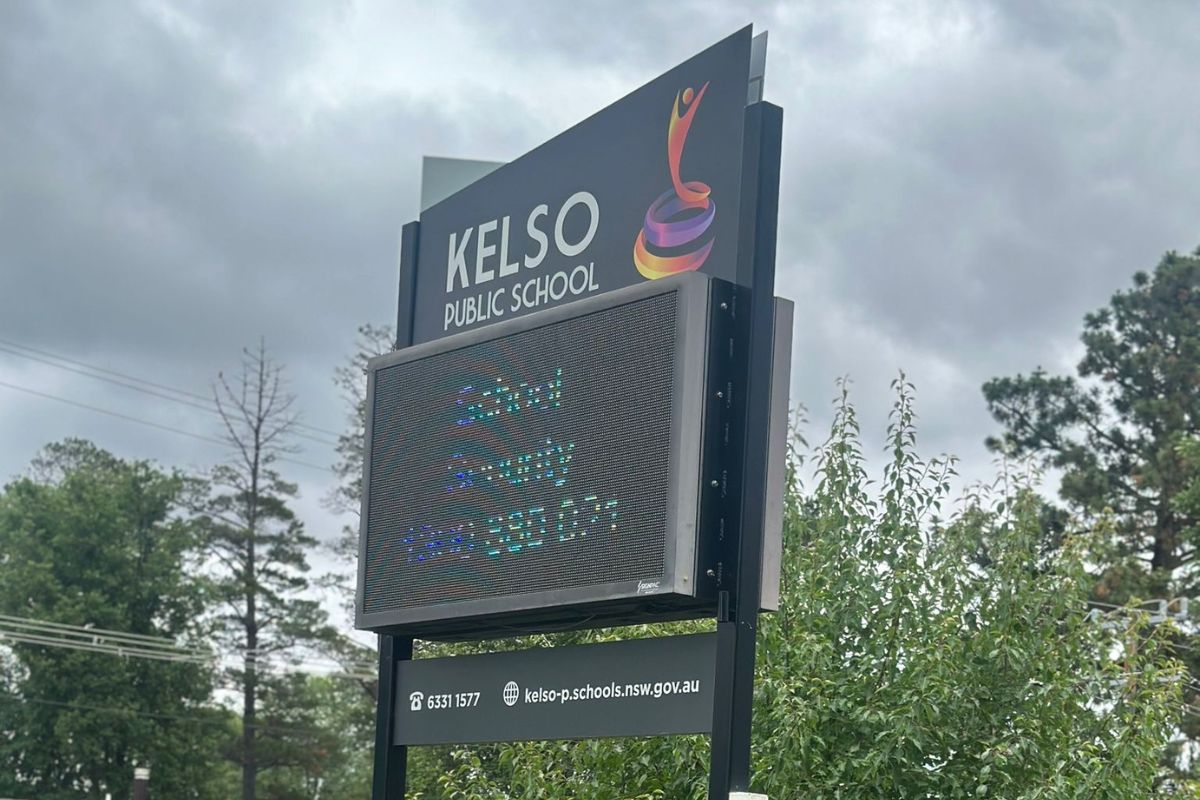
If your LED sign is difficult to read and see detail clearly, it’s often because the screen is using older, lower-resolution technology. Many schools are still operating LED displays that were installed five, ten or even fifteen years ago. While these signs may still turn on and function well, they were often designed for simple text-based messages rather than the detailed images, event graphics, enrolment campaigns and branded content schools want to display today.
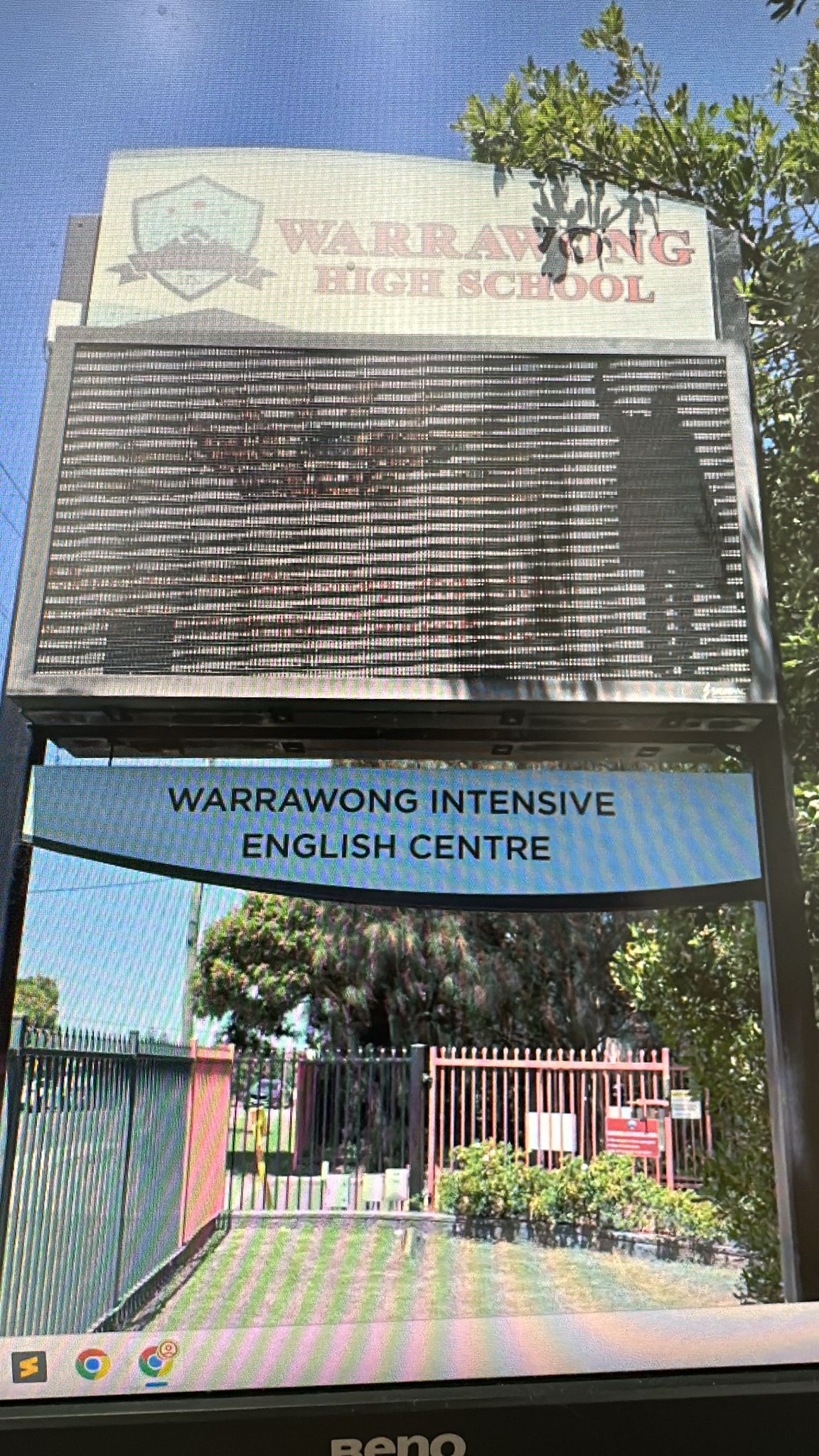
Pixel pitch (more on that next) also plays a major role. The larger the space between each pixel, the lower the clarity, especially when viewing the sign up close.
What is pixel pitch?
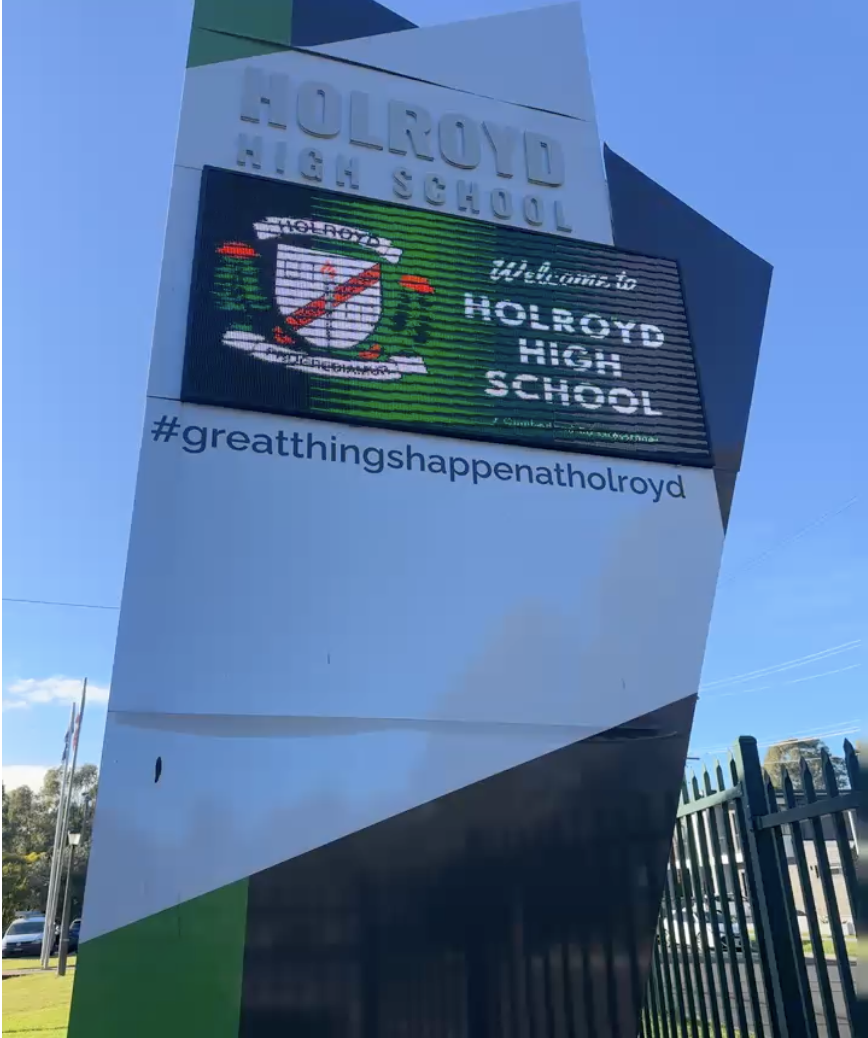
Pixel pitch refers to the distance between the centre of one LED pixel and the centre of the next. It is measured in millimetres and is usually shown as a “P” value.
For example, a P10 screen has pixels spaced 10mm apart, while a P3 screen has pixels spaced 3mm apart. The smaller the number, the closer the pixels are together, which creates a sharper, clearer image.
Pixel pitch guide
| Pixel pitch | Distance between pixels | Pixels per square metre | Recommended viewing distance | What it means |
| P10 | 10mm | 10,000 | 10m+ | Lowest resolution, individual pixels are clearly visible. |
| P8 | 8mm | 15,625 | 8m+ | |
| P6 | 6mm | 27,778 | 6m+ | |
| P5 | 5mm | 40,000 | 5m+ | |
| P4 | 4mm | 62,500 | 4m+ | |
| P3 | 3mm | 111,111 | 3m+ | More than 11× the pixels of P10, resulting in a huge leap in clarity. |
As detailed above, pixel pitch should roughly match the minimum viewing distance. So, a P10 screen is best viewed from around 10 metres away, while a P3 screen can be viewed clearly from around 3 metres away.
This is why choosing the right pixel pitch for where your sign is located matters. A screen that looks fine from the road may appear much more grainy when viewed from a school entrance or drop-off zone.
Can you upgrade an existing LED sign?
Yes. In many cases, you can upgrade the LED screen while keeping the existing sign structure.
This can be a smart option if the structure is still in good condition but the display itself is looking dated. It can also help reduce costs.
Do you need council approval to upgrade an LED sign?
Generally no. If the existing sign structure is staying in place and only the screen is being upgraded, council approval is typically not required.
However, requirements can vary depending on your location, council and the scope of the upgrade.
Chat to our team today to confirm your situation.

Benefits of upgrading your LED sign
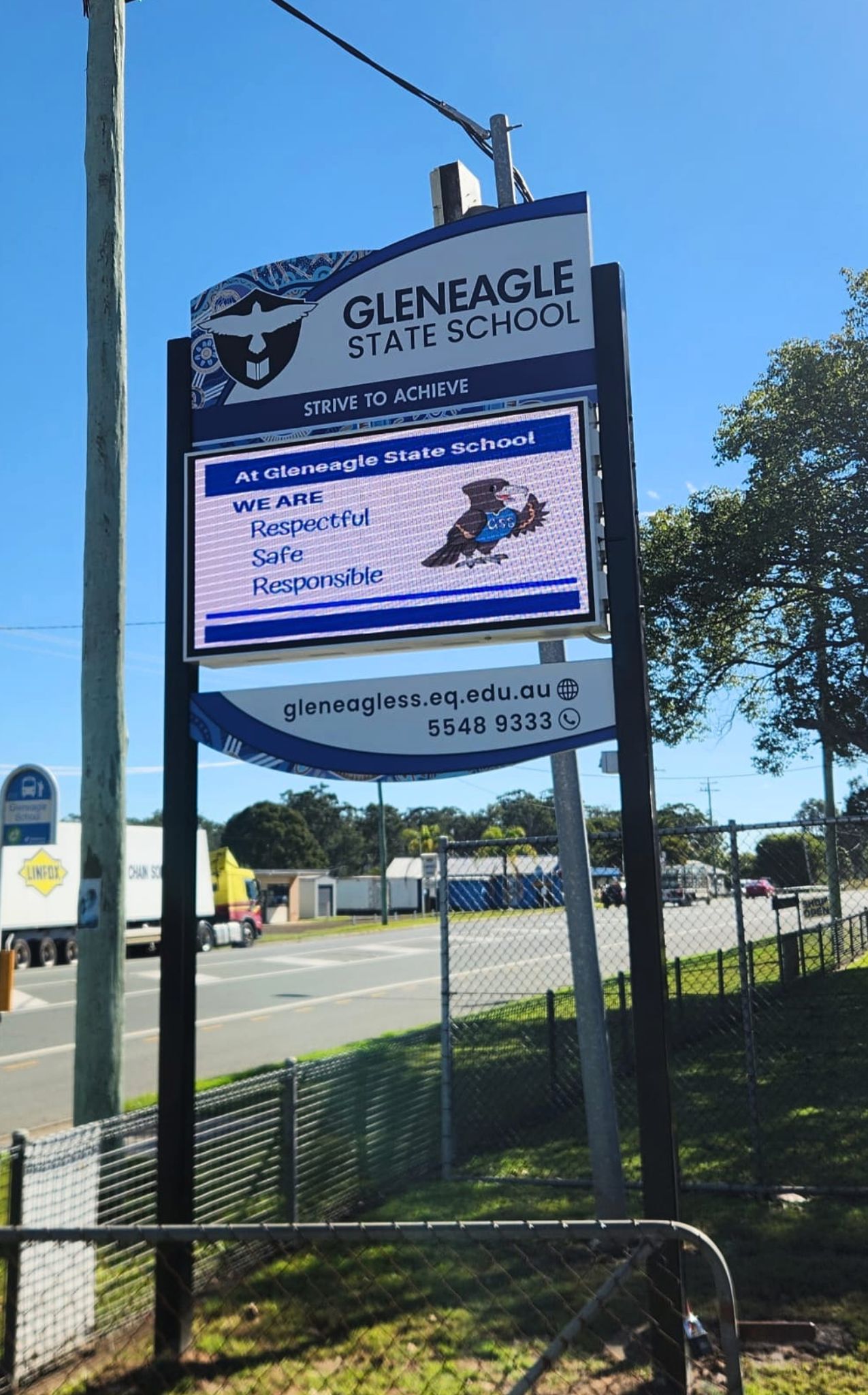
Upgrading to a higher-resolution display, such as a P3 or P4, provides the following benefits.
- Clearer text so messages are easier to read and photos appear sharper
- Improved visibility for parents, students, teachers and visitors viewing the sign from close range
- Greater flexibility to display detailed graphics and images
- Future-proof technology that supports evolving communication needs and content formats
- Enhanced street appeal with a more modern, professional-looking display
- Extended peace of mind with a 7-year warranty on new LED screen upgrades
How much does it cost to upgrade an LED sign?
Upgrading your LED screen is often more affordable than expected.
At Signpac, our LED screen upgrades typically start from around $14,000.
The final cost will depend on factors such as the size of the screen, the pixel pitch and whether any modifications are required to the existing sign structure.
We’ve received extremely positive feedback from schools and businesses alike that have replaced ageing P8 or P10 displays with higher-resolution P3 or P4 screens. The difference is instantly noticeable and, for many, well worth the investment.
Looking to upgrade your LED sign?
If you have a low resolution LED sign that no longer reflects your image, it may be time to consider an upgrade.
Our team can assess your existing display and recommend the most suitable solution based on the location of the sign and your budget.
Chat to our team today to discuss your options or arrange a free site assessment.
Continue reading
Fanless vs Fan Cooled LED Signs: What Australian Schools Need to Know
School Sign Retrofit vs New Installation: What You Need To Know
When To Replace School Signage: 5 Clear Signs It’s Time for an Upgrade
How Digital Signage Improves Communication in Schools


